Understand the basics of SEO
To make a website SEO optimized, help search engines find, understand, and show its pages to the right people. Start with useful pages that answer real questions. Then make those pages easy to crawl, read, and use on any device.
SEO can bring organic traffic, meaning visits from unpaid search results. It takes time, and no change can promise a top spot. Focus on matching search intent: what a person hopes to learn or do when they search.
For example, someone searching for a running shoe size chart needs clear sizing advice. A page that only sells shoes may not meet that need. Study the results for your topic, then build a page that serves the same need more fully.
- Choose one main topic for each page.
- Answer the reader’s likely question early.
- Keep important pages open to search crawlers.
- Check that each page has a clear path from another page.

Build the key parts of an optimized site
Strong SEO comes from several parts working together. Useful content matters most, but site speed, clear links, and page titles also help. Fix issues that block access before spending time on small wording changes.
Use keyword research to learn the terms people use. Treat those terms as clues, not a script. Add them where they fit in page titles, headings, and body text. Avoid repeating the same phrase just to raise its count.
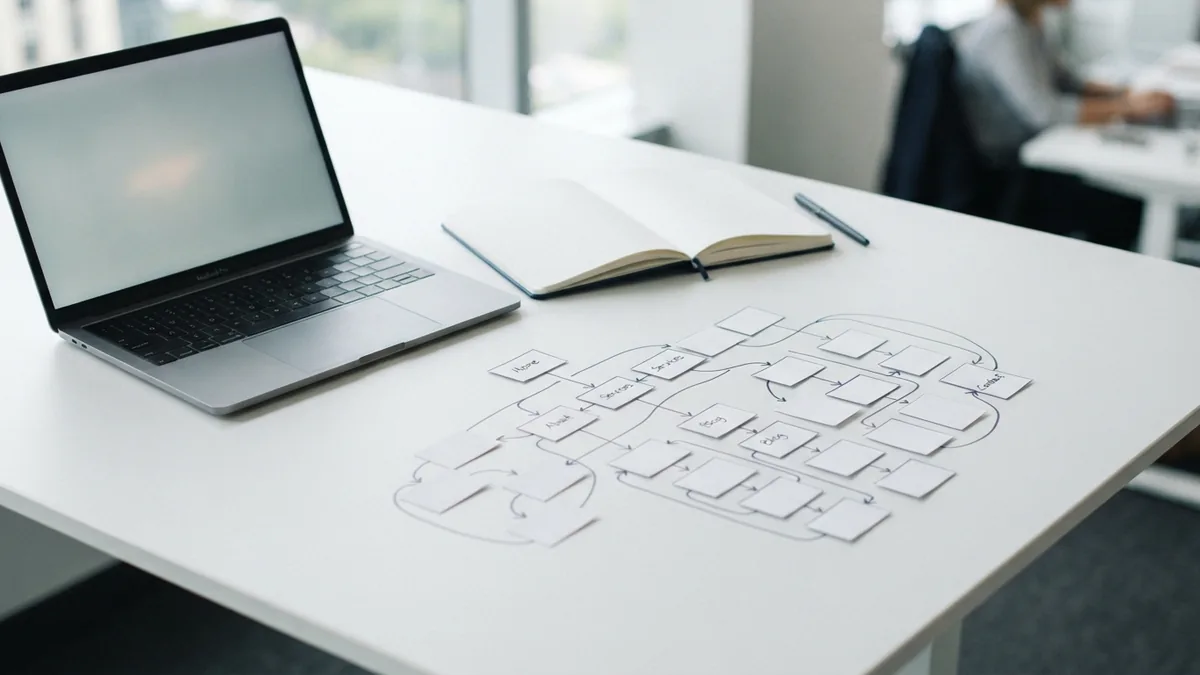
Plan a simple website architecture. Group related pages under clear topics, and link between pages when that helps readers. A page about image sizing could link to a wider guide on image SEO. These links help people explore and help crawlers find related pages.
Check each page for a clear purpose. If two pages answer the same question, combine them or give each a distinct focus. That makes the site easier to use and reduces overlap in search results.
Make images easier to find and use
To make images SEO friendly, use a file name that says what the image shows. “blue-hiking-backpack.jpg” gives more context than “IMG_0042.jpg.” Keep names brief, use hyphens, and avoid stuffing them with search terms.
Write alt text for people who cannot see an image or whose browser cannot load it. Describe the image’s purpose in plain words. For a product photo, “blue hiking backpack with side pockets” is more useful than “backpack image.” Leave alt text empty for a purely decorative image.
Choose a file type and size that suit the image. Large files can slow a page, especially on a phone. Resize images to the largest size they need to display, then compress them without making them look poor.
- Use a clear, relevant file name.
- Write useful alt text for meaningful images.
- Set image width and height to reduce page shifts.
- Check how the image looks on a small screen.

Write articles that serve readers
To make an article SEO friendly, answer its main question near the start. Use clear examples, steps, or evidence to make the answer useful. A page should add real value, not just rephrase other results.
Use headings to break a long article into clear parts. One H2 can cover a main point, while H3 headings can cover smaller details. This structure helps readers scan and helps search engines understand how the ideas fit together.
Keep paragraphs focused, and use lists for steps or related items. Add links to trusted sources when they support a claim. Review facts, dates, and links before you publish. Update the page when its advice or examples become old.
Match the format to the reader’s goal. A search for “how to clean a coffee maker” calls for clear steps. A search for a product comparison may need a table with key features and trade-offs.

Improve site structure and page metadata
Metadata helps describe a page to search engines and searchers. Write a distinct title for each page that names its subject. Keep it clear and accurate, rather than packing it with extra keywords.
Write a short meta description that sums up the page and gives a reason to visit. Search engines may show a different snippet, so make the page itself clear too. Use one main heading, then arrange other headings in a logical order.
Use short, readable page addresses that reflect the topic. Avoid changing an address without a plan for redirects. Broken links can frustrate visitors and make it harder to reach useful pages.
Schema markup is code that describes page details in a format search engines can read. It may help search engines understand items such as products, events, or recipes. Use markup only when it matches visible page content, and test it before launch.
Keep navigation simple. A visitor should be able to reach key pages in a few clicks. A sitemap can also list the pages you want search engines to find, but it does not guarantee that they will index them.
Make the mobile experience work well
Mobile optimization matters because Google uses the mobile version of a site for indexing and ranking. Your mobile pages should contain the same key content as desktop pages. Do not hide useful text or links just to make the layout look simpler.
Check pages on a phone, not only in a desktop preview. Text should be easy to read without zooming, and buttons should be easy to tap. Keep menus clear and avoid pop-ups that block the page.
Core Web Vitals measure parts of page experience, including loading, response, and visual stability. These signals can point to problems, but they are not a substitute for helpful content. Google explains its page experience signals in its page experience guidance.
Use the Core Web Vitals overview to learn what the main measures mean. Test key pages on real devices and fix the slowest or least stable parts first. Common fixes include smaller images and fewer scripts that block page display.
Measure results and test changes
Track search visits, impressions, clicks, and the queries that bring people to your pages. Google Search Console can show which pages appear in search and where they may need work. Analytics tools can help show what visitors do after they arrive.
Set a baseline before making a change. Record the page’s search clicks and visits, then compare results over several weeks. Search demand and rankings shift, so avoid judging a change from a single day.
Test one major change at a time when possible. For example, improve a title on a page, then watch its click rate and traffic. A/B testing can help with page design or calls to action, but do not show search crawlers a different page from visitors.
To check “is my website SEO friendly,” review a sample of key pages. Confirm that they load, work on phones, have clear titles, answer a real need, and link to related content. Fix the biggest barriers first, then repeat the review as the site grows.