What internal linking means for SEO
Internal linking in SEO means linking one page on your website to another page on that same site. These links help visitors find useful information and help search engines discover how your pages fit together. A link from a broad topic page to a detailed guide, for example, shows how those pages relate.
Internal links differ from external links, which point to other websites. They also differ from backlinks, which are links from other websites to yours. Internal links are under your control, so you can use them to make key pages easier to find and understand.
Think of your site as a set of connected rooms. A clear path helps visitors move around without getting lost. It also gives search engines more clues about your site’s topics and page hierarchy.
Four common types of internal links
Most sites use several kinds of internal links. Each kind serves a different purpose, but all should lead to a page that fits the visitor’s needs. The best link is one that helps someone take a sensible next step.
- Navigational links: Main menus and footer links lead to key areas, such as services, categories, or support pages.
- Contextual links: Links within page copy connect readers to related details, examples, or next steps.
- Breadcrumb links: A breadcrumb trail shows a page’s place in the site hierarchy. It can help visitors return to a broader section.
- CTA links: Calls to action guide visitors toward a useful next step, such as reading a related guide or starting a tool.
Use each link type with care. A menu should stay focused on the site’s main sections, while page copy can offer links to specific related topics. A breadcrumb trail is most useful on sites with clear levels, such as a shop with categories and subcategories.

How internal links support SEO and visitors
Search engines follow links to find pages and learn how they connect. A page with no links from other pages can be harder to find. Strong links from relevant sections help search engines reach important content and grasp its place in your site.
Internal links can also guide crawl depth. That means how many link steps a search engine must take to reach a page. Keep high-value pages within a few clicks of a key hub when your site size allows. Google’s guidance on crawlable links explains why links need clear, usable destinations.
Links can pass value between pages, often called link equity. For example, a well-linked guide may help readers and search engines find a related page that has fewer links. This does not guarantee higher rankings. It does give key pages a clearer path through your site.
Good links also improve the visit itself. Someone reading about a service can follow a relevant link to pricing or setup details. That extra step may keep the visitor engaged and reduce quick exits. The link must answer a real need, not just keep people clicking.

Build an internal linking strategy
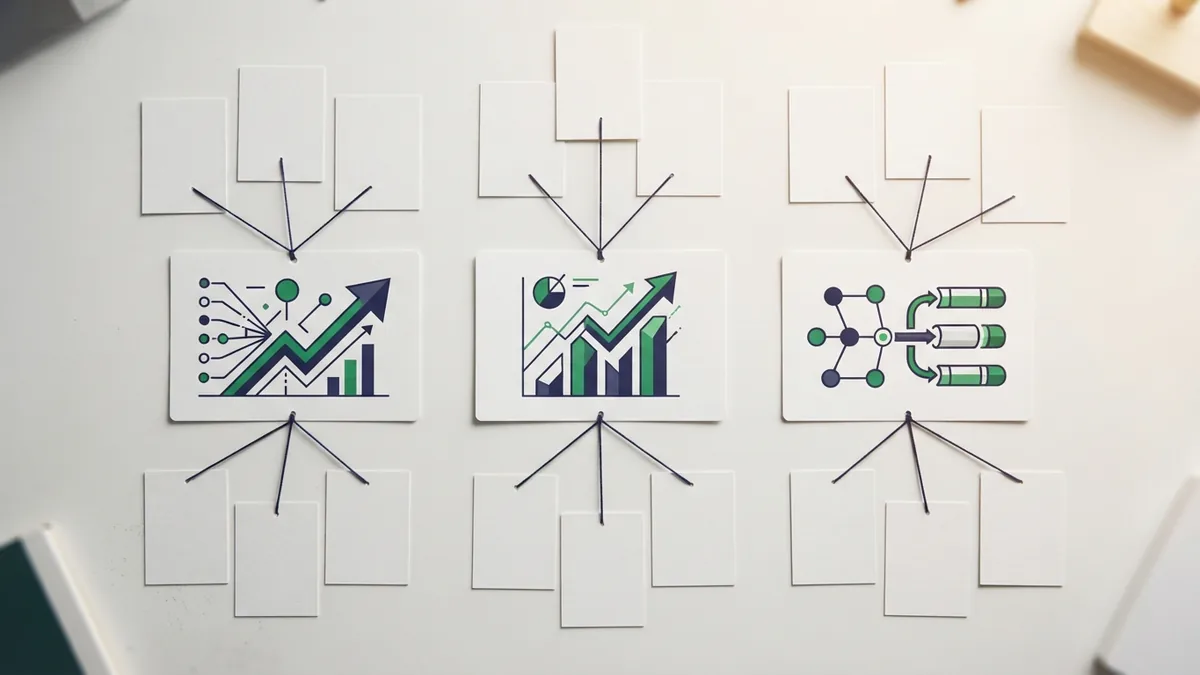
Start by listing your most important pages. These might include core service pages, product pages, or guides that bring steady search traffic. Then group related pages into topic areas, with a main page at the center of each group.
Next, look for links that can help visitors move between those pages. A broad guide can link to focused subtopics, while those pages can link back to the main guide. This creates a useful path without forcing every page to link to every other page.
- Map your site: Note key pages and the sections they belong to.
- Find link gaps: Check for useful pages with few links from related content.
- Add relevant links: Place links where they help readers learn more or act.
- Check the results: Review links after publishing and fix any that no longer work.
For example, a guide about choosing running shoes could link to pages about fit, trail shoes, and care. Each linked page should add detail that the main guide does not cover. This keeps the structure useful, rather than making a web of repeated links.
Best practices for useful internal links
Write anchor text that tells readers what they will find after clicking. “Read our shoe fitting tips” is clearer than “click here.” Keep the wording natural, and make sure it matches the linked page. Clear anchors help people scan and understand your content.
Link to pages that add real value in that moment. A mention of page speed may suit a link to a related site audit guide. A link to an unrelated page can distract readers and weaken the sense of connection between topics.
Review your links on a regular schedule, such as every few months or after a site redesign. Check for broken links, old pages, and important pages that are hard to reach. A site audit tool can help you spot pages with few internal links. Follow up by checking whether each suggested link makes sense to a reader.
Keep links easy to use on phones and other devices. Do not rely on color alone to show that text is a link. Use a clear link style, and avoid packing too many links into one paragraph. Each link should have a clear reason to be there.
Common internal linking mistakes to avoid
One common mistake is using the same exact anchor text for every link to a page. Repeating a phrase can sound forced and give readers little context. Vary the wording when it still describes the destination well.
Another mistake is linking to pages that do not match the surrounding topic. Links should support the content, not serve as a way to add more links. A large number of weak links can make a page harder to scan and use.
Do not leave key pages isolated. A page with no links from other pages may be missed by visitors and search engines. Add a link from a relevant page, such as a topic hub or a closely related article. Also, check that links point to the current version of a page.
Finally, do not treat internal linking as a one-time task. Sites change as new pages go live and old pages move or close. A short review after each major update can prevent broken paths and keep your structure clear.
Frequently asked questions about internal linking
What are internal links in SEO?
They are links between pages on the same website. They help visitors move through related content and help search engines find and understand pages.
How does internal linking help SEO?
It helps search engines discover pages and understand site structure. It can also guide visitors to useful content and share link value across related pages.
How many internal links should a page have?
There is no fixed number that suits every page. Add links when they help readers, and remove links that feel unrelated or repetitive.
What is the difference between internal and external links?
Internal links point to pages on the same website. External links point to pages on a different website.
What is deep linking in SEO?
Deep linking means linking to a specific page deeper within a site, rather than only linking to its home page. It helps visitors reach useful content directly.